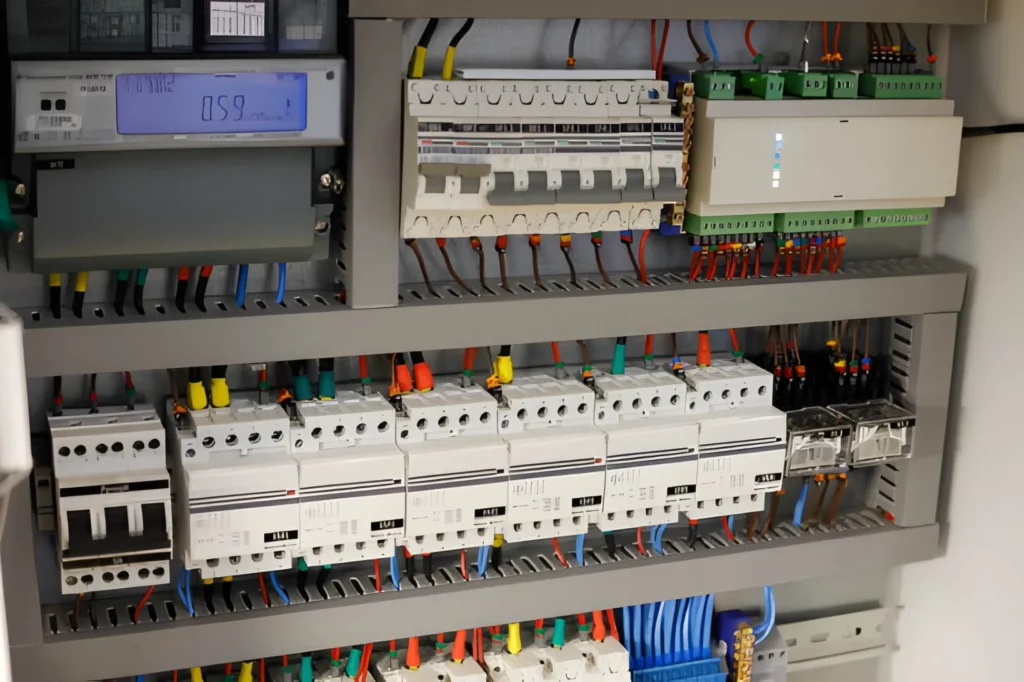
Have you ever wished your electrical panel could talk back—or at least tell you why a circuit tripped at 2:00 a.m.? That’s exactly where a smart breaker switch comes in. Instead of being a silent, purely mechanical safety device, it adds sensing, connectivity, and control so you can monitor loads, receive alerts, and (in many cases) switch circuits remotely—without sacrificing the core job of circuit protection.
In this article, we’ll break down how a smart breaker switch works, where it’s worth using, which smart features matter, and how to compare options confidently—so you can choose a solution that fits your building, your operations, and your risk tolerance.
What a smart breaker switch does (and what it doesn’t)
At its heart, a breaker is still a breaker. It must interrupt fault current fast and reliably during overloads and short circuits. A smart breaker switch builds on that foundation by layering in measurement and communication—typically through an onboard module, a companion gateway, or an integrated “connected” breaker design.
What you usually get:
- Remote switching (on/off) for a branch circuit or feeder (model-dependent)
- Real-time current and voltage visibility
- Energy monitoring (kWh tracking), sometimes down to per-circuit usage
- Event logs (trip history, timestamps, sometimes waveform snapshots)
- Alerts (overcurrent, temperature, abnormal load patterns)
What it doesn’t do:
- It does not replace correct protection design, coordination studies, or code-compliant installation.
- It does not automatically fix nuisance trips caused by poor power quality, loose connections, or undersized conductors.
- It does not eliminate the need for safety certifications and proper fault ratings.
| Traditional breaker | Smart breaker switch |
|---|---|
| Trips mechanically on fault | Trips mechanically and reports events |
| No visibility until someone checks | Remote status + notifications |
| No energy data | Often includes energy monitoring |
| Manual switching only | Often supports remote controlled circuit switching |
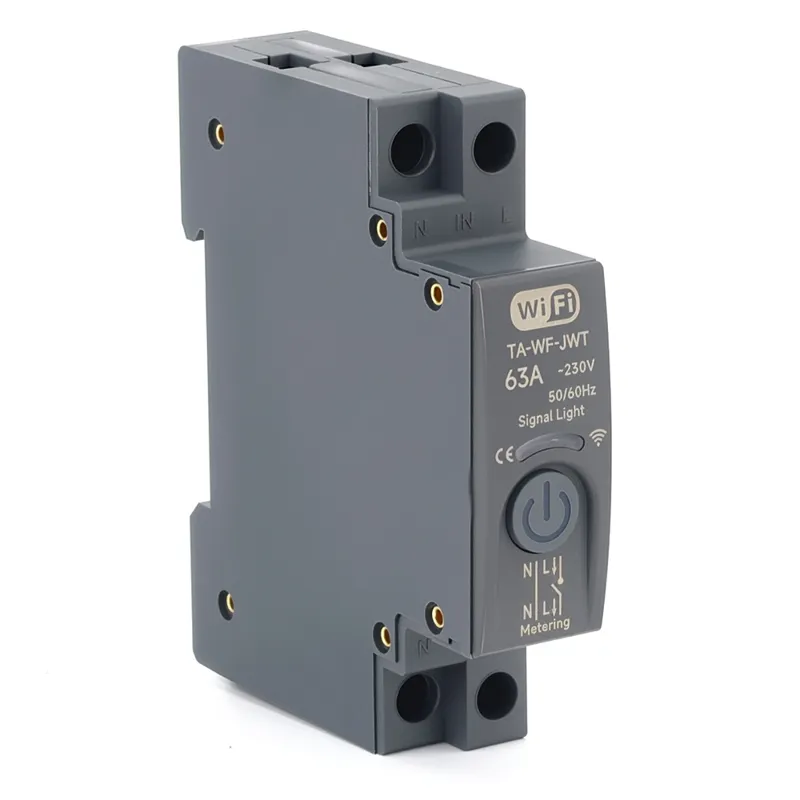
Where smart breaker switches make the most sense
You can install a smart breaker switch in homes, but the biggest value often shows up in commercial and industrial settings—anywhere downtime, energy cost, or compliance pressure is real.
Common applications
Commercial buildings
- Tenant submetering support (when paired with proper measurement)
- After-hours load shedding (HVAC, signage, noncritical circuits)
- Faster troubleshooting for repeated trips
Industrial and light manufacturing
- Monitoring motor loads for early warning signs
- Powering down nonessential lines during demand peaks
- Supporting preventive maintenance with event logs
Critical facilities (data rooms, labs, healthcare)
- Circuit-level visibility to reduce “mystery trips”
- Alarm-driven response workflows
- Better documentation for audits and incident reviews
Solar + EV + distributed energy
- Managing EV charging circuits to avoid demand spikes
- Monitoring solar inverter feeds and critical loads
- Enabling smarter load balancing strategies
| Use case | Why it’s a strong fit |
|---|---|
| Multi-tenant sites | Per-circuit usage insights and accountability |
| Remote sites | Fewer truck rolls for resets and checks |
| High energy bills | Identify always-on loads and peak drivers |
| High uptime needs | Faster diagnosis and better event data |
Smart features that actually matter
Not all “smart” is equally useful. Some features look great on a spec sheet but don’t move the needle day to day. If you’re evaluating a smart breaker switch with energy monitoring or remote control, focus on features that reduce risk, time, and cost.
1) Reliable trip reporting and event history
You want more than “it tripped.” Look for:
- Timestamped trip logs
- Trip cause classification (overload vs short circuit, if available)
- “Last known” current at trip
2) Accurate measurement (and clarity on what’s measured)
Some devices measure true RMS current and voltage per pole; others estimate. Confirm:
- Measurement method (true RMS vs sampled/estimated)
- Accuracy class (especially if you plan to use data for billing decisions)
3) Remote switching with safety safeguards
Remote on/off can be great—until someone uses it wrong. Better implementations include:
- Role-based permissions
- Lockout/tagout procedures support
- Configurable rules (for example, prevent remote close after a fault until inspected)
4) Integration options that match your environment
A WiFi-only approach can be fine for small sites, but industrial deployments often prefer wired or gateway-based systems. Consider:
- WiFi smart breaker switch setups for small facilities
- Ethernet or gateway architectures for reliability
- Protocol support (common requests include Modbus, BACnet, MQTT, or API access)
| Feature | Why you should care |
|---|---|
| Event logs | Faster root-cause analysis |
| Energy monitoring | Finds waste and validates savings |
| Alerts | Reduces response time to faults |
| Integration | Avoids data silos and manual reporting |
| Permissions | Prevents “oops” switching moments |

Specs and standards to check before you buy
A smart breaker switch is still an electrical protection device, so the “smart” layer is secondary to safety, ratings, and compliance. If you only remember one thing: fault interruption capability comes first.
Electrical specifications
- Rated current (A): Match continuous load and derating rules.
- Number of poles: Single-phase vs three-phase; confirm neutral handling.
- Rated voltage: AC vs DC use cases differ significantly.
- Breaking capacity / interrupting rating (kA): Must meet available fault current at the panel.
- Trip curve: B/C/D curves (common in some regions) or equivalent characteristics; match to inrush loads like motors.
- RCD/GFCI/AFCI options: If you need residual current protection, confirm type and sensitivity.
Mechanical and environmental fit
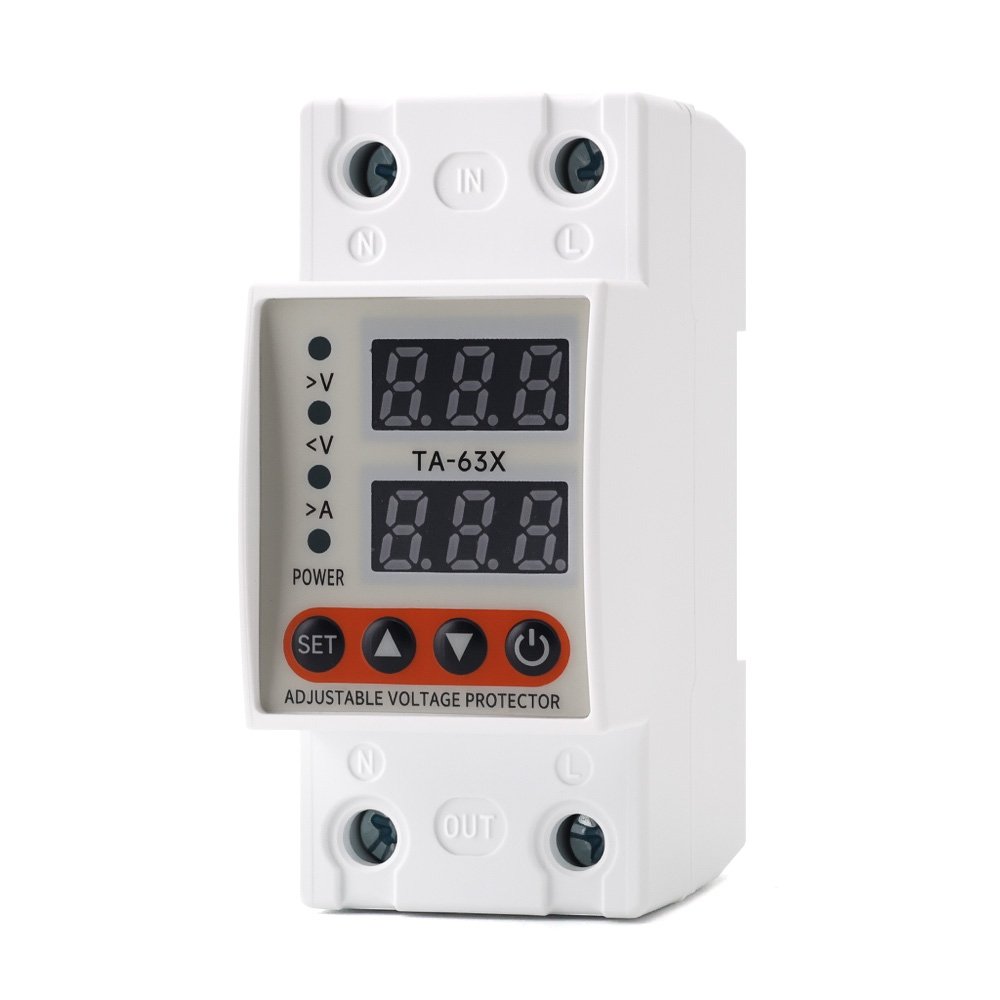
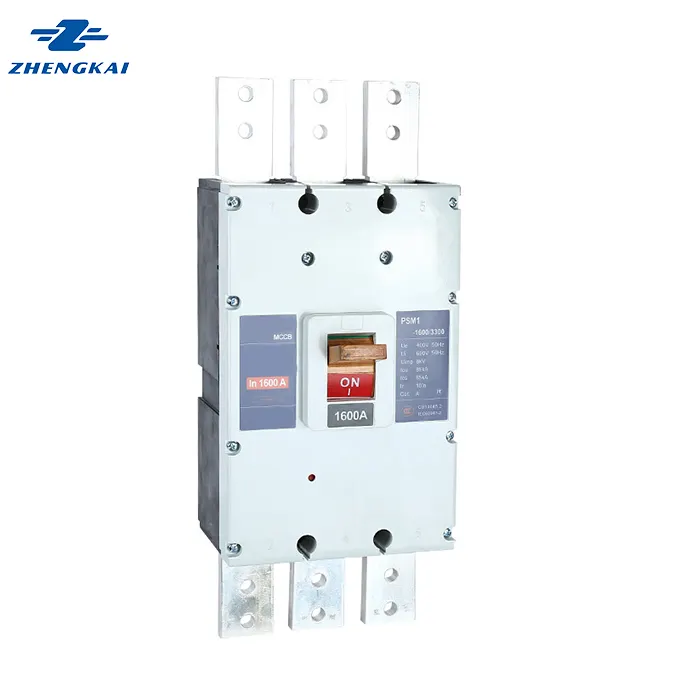
- DIN-rail smart breaker switch format vs molded-case styles
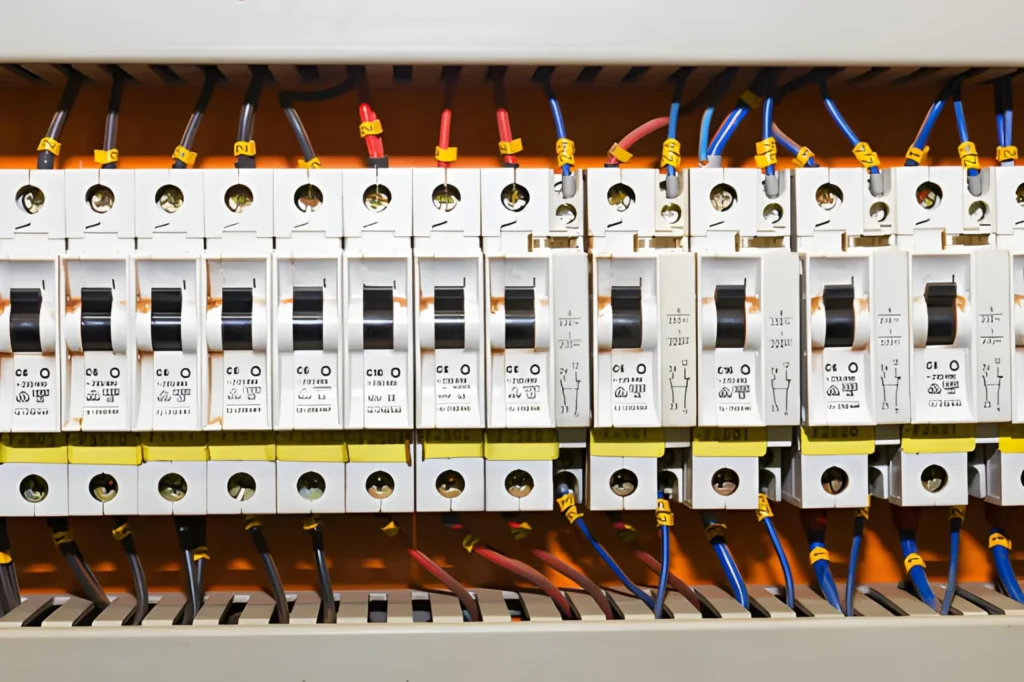
- Panel space and heat dissipation
- Operating temperature and humidity range
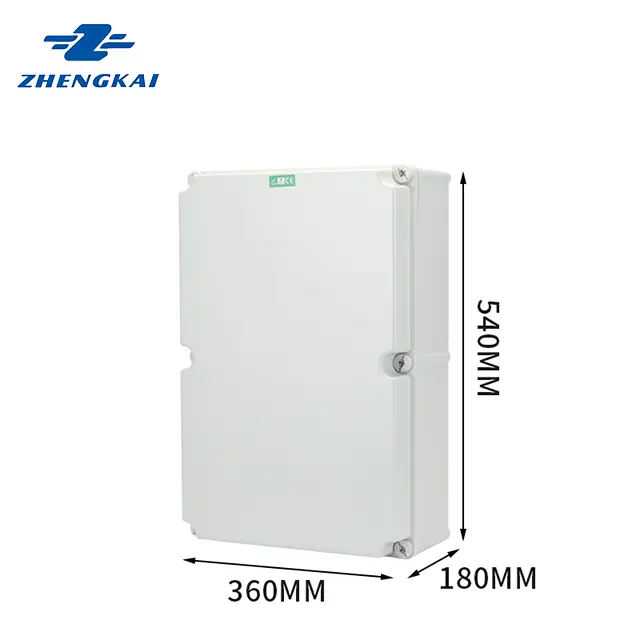
- IP rating (especially for industrial enclosures)
Connectivity and cybersecurity
- Wireless type (WiFi/Zigbee/etc.) or wired options
- Local control vs cloud dependency
- Firmware update policy (and how updates are delivered)
- Logging and user access controls
| Checklist item | What to verify |
|---|---|
| Interrupting rating | Meets available fault current |
| Voltage + poles | Matches system topology |
| Protection functions | Overload/short + optional leakage/arc |
| Mounting format | Panel compatibility (DIN rail, MCCB, etc.) |
| Comms method | Works with your network + uptime needs |
| Local fallback | Safe operation even if internet is down |
How to evaluate options and vendors
When you compare a smart breaker switch across brands, you’ll notice that marketing language is often similar. The differences show up later—during commissioning, integration, and the first real fault event.
Questions that separate “fine” from “future-proof”
- Is the app stable and supported long-term? (You don’t want your panel tied to abandonware.)
- Can you export data easily? Look for CSV exports, API access, or compatible gateways.
- How does it behave when connectivity fails? Protection must remain deterministic.
- What certifications are documented? Avoid gray-market units for critical installations.
- What’s the warranty and support model? Especially important for multi-site rollouts.
A practical approach is to shortlist 2–3 candidates, then run a pilot on a small panel:
- Validate measurement accuracy against a trusted meter.
- Test alerts and event logs with controlled loads.
- Confirm integration with your BMS/SCADA or reporting workflow.
If you’re planning a retrofit or a multi-panel deployment, a quick way to reduce rework is to share your one-line diagram and load list with us—we can help you map the right smart breaker switch types, ratings, and monitoring points and provide a clean quotation path without guesswork.
Installation and commissioning tips
A smart breaker switch is not a “swap and pray” component. Treat it as both a protection device and a monitoring endpoint.
Best practices that prevent headaches
- De-energize properly and follow lockout/tagout procedures.
- Confirm conductor sizing, torque specs, and termination quality.
- Plan network coverage (or gateway placement) before installing multiple units.
- Label circuits clearly so the software naming matches the physical panel.
- Test remote switching rules cautiously—especially on motor loads or critical circuits.
Commissioning checklist
- Verify current readings at known loads
- Trigger and confirm alarms (overcurrent thresholds, temperature alerts if available)
- Confirm data retention and export
- Document firmware versions and access credentials policy
Cost, ROI, and common pitfalls
The upfront price of a smart breaker switch is typically higher than a standard breaker, so ROI depends on what you’re trying to improve: downtime, labor, energy efficiency, or compliance reporting.
Where ROI usually comes from
- Fewer troubleshooting hours: Trip cause + time history saves labor.
- Reduced downtime: Faster response, especially for remote sites.
- Energy visibility: Identifying idle loads and peak drivers can create quick wins.
- Maintenance efficiency: Trend data can highlight failing equipment earlier.
Pitfalls to avoid
- Buying based on app screenshots instead of electrical ratings
- Underestimating network reliability requirements
- Treating energy data as billing-grade without verifying accuracy and standards
- Forgetting lifecycle realities (firmware updates, cloud subscriptions, device end-of-life)
| Cost element | What to account for |
|---|---|
| Hardware | Breaker + gateway/module (if needed) |
| Installation | Electrical labor + commissioning time |
| Networking | Coverage, VLANs, gateways, security review |
| Software | Licenses, cloud fees, data retention |
| Operations | Maintenance, updates, support |
Closing thoughts
A smart breaker switch can be a genuinely practical upgrade when you want better visibility, faster fault response, and more control over how circuits behave in real life—not just on paper. The key is to treat it first as a protection device (ratings, standards, coordination) and second as a data and automation tool (features, integration, cybersecurity, lifecycle support). Once you match the specs to your system and choose features that fit your operations, you’ll get more than a “connected panel”—you’ll get fewer surprises, cleaner energy insights, and a smoother path to scaling monitoring across sites.
FAQ
Do I need an electric power meter if I already have circuit monitoring?
Sometimes, yes. A smart breaker switch can provide useful circuit-level trends, but a dedicated electric power meter is often preferred when you need higher accuracy, revenue-grade measurement, or compliance reporting.
What’s the difference between an electric power meter and an energy monitor in a breaker?
An electric power meter is designed specifically for measurement and may offer better accuracy classes, calibration options, and audit-friendly documentation. Breaker-based monitoring is great for operational visibility, but it may not meet stricter metering requirements.
Are electric power meters required for tenant billing?
In many real-world setups, tenant billing requires clear accuracy standards and consistent measurement practices. Even if your breaker data looks good, verify whether a certified electric power meter is required by your local regulations or contract terms.
How do I choose CTs for an electric power meter?
Match the CT ratio to your expected load range, confirm burden and accuracy class, and ensure the CT type fits your conductor size and installation environment. Incorrect CT selection is one of the fastest ways to get misleading readings.
Can I combine electric power meters with smart breakers?
Yes—and it’s often a strong approach. Use electric power meters at main incomers or critical feeders for high-confidence totals, then use smart breakers for branch-circuit visibility and faster troubleshooting.